

 Nov, 22 2026
You know that spreadsheet. It’s probably open right now on a shared family laptop or saved in a cloud folder everyone can access. It holds the Wi-Fi password, the Netflix login, the utility account details, and-crucially-a list of recovery codes for accounts that require two-factor authentication. It feels convenient. It also feels risky. You’ve likely wondered if there’s a better way to handle password storage without turning your household data into a single point of failure.
The problem isn’t just that spreadsheets are easy to lose or hack. The real issue is that they treat every piece of data with the same level of importance. Your Netflix login doesn’t need the same security as the recovery code for your primary email account. Yet, in a typical family setup, both sit side-by-side in a plain text file. When you share logins securely, you need a system that respects different levels of sensitivity and allows you to revoke access instantly when someone leaves the house, goes on a long trip, or simply needs temporary help.
Why Spreadsheets Fail at Real Security
A spreadsheet is a static document. If you update a password in the master copy, your partner might still be using the old one from their downloaded version. Worse, if your spouse travels for work and loses their phone, how do you get them a new recovery code? Emailing it is insecure. Texting it is often intercepted by malware. And posting it in a chat app means it lives forever on multiple devices, searchable and exposed.
Security experts consistently warn against sharing secrets via unencrypted channels. Verizon’s 2025 Data Breach Investigations Report found that credential abuse was the leading initial access vector in breaches. This happens because people reuse passwords or store them in places that lack granular control. A shared spreadsheet offers no audit trail. You don’t know who looked at the file, when they looked at it, or if they copied a sensitive recovery code to their personal notes app. Once a secret is out of the controlled environment, you lose visibility.
This is where the concept of least privilege becomes important. In corporate IT, this means giving users only the access they need. Families rarely apply this logic. Everyone gets full admin rights to the "family vault," which usually means everyone can see everything. But does your teenage child really need access to your bank’s recovery codes? Probably not. Does your partner need access while you’re traveling? Yes, but maybe only temporarily.
The Two Problems: Everyday Logins vs. Critical Secrets
To fix this, we need to separate two distinct problems. The first is everyday password storage for things like streaming services, shopping sites, and social media. For these, a standard family plan from a reputable password manager works well. These tools sync across devices, generate strong unique passwords, and fill them in automatically. They solve the convenience problem effectively.
The second problem is harder: critical secrets. These include two-factor authentication (2FA) backup codes, private keys, legal documents, and emergency contact information. Standard password managers are great for storing a string of characters, but they often struggle with the workflow of sharing a specific recovery code with a trusted person under specific conditions. If you send a screenshot of a QR code or a text message with an eight-digit code, you create a permanent record in a less secure location. You also lose control over when that person can use it.
This gap is where specialized solutions come in. We need a tool designed specifically for high-value, low-frequency items that requires conditional access. This brings us to the idea of a dedicated digital vault.
Introducing Conditional Access for Family Needs
Imagine a scenario where you are traveling abroad and your phone battery dies. You need to reset your password, but the reset link goes to your email, which is locked behind 2FA. Your partner has the recovery code, but they don’t have it handy. Or perhaps you are in the hospital for a short stay, and your spouse needs to pay a bill from an account you manage. They need access to the credentials, but you don’t want to hand over your entire digital life.
This is the core function of Vaulternal. Unlike a general-purpose password manager that focuses on autofill and syncing, Vaulternal is built around encrypted vault storage with a focus on conditional delivery. It uses client-side AES-256 encryption, meaning files are encrypted on your device before they ever leave it. The company itself cannot read your files or recover them without your keys. This zero-knowledge architecture ensures that even if the service provider is compromised, your data remains unreadable.
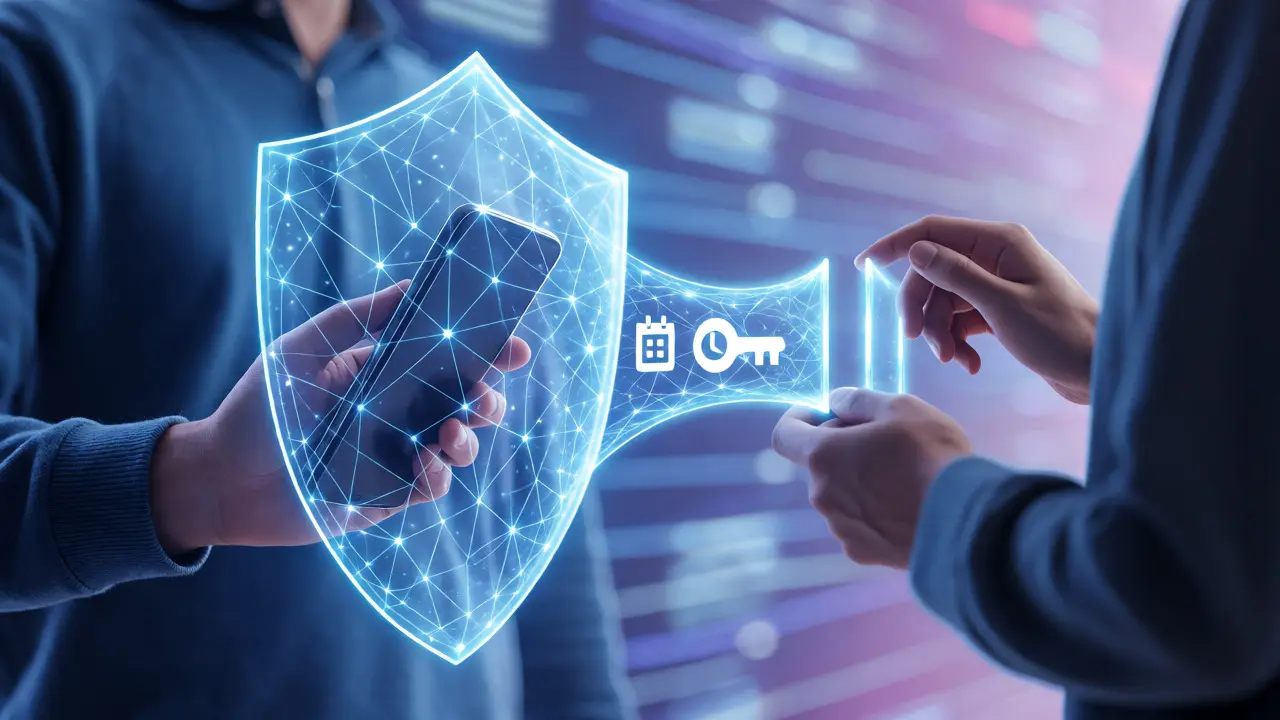
What makes it distinct for families is the access trigger system. You can define conditions under which a trusted contact gains access to specific files. These triggers can be time-based, inactivity-based, or manual. For example, you could set a rule that allows your partner to access your utility login if you haven’t logged in for seven days. Or, you could manually grant temporary access for a specific period while you are offline. This moves beyond simple "sharing" to controlled, auditable access.
Beyond Single Points of Failure: Decentralized Storage
Most cloud services store your data on a single company’s servers. If that company goes down, changes its terms, or suffers a breach, your data is affected. Vaulternal takes a different approach by utilizing decentralized storage. Files are stored on distributed infrastructure, including Arweave for permanent storage, IPFS for peer-to-peer distribution, and Polygon for on-chain metadata anchoring.
Why does this matter for a family? Resilience. Because the data isn’t sitting on one corporate server, it can outlast any single application. If the app interface changes or the company evolves, your encrypted files remain accessible on the network. This reduces the risk associated with vendor lock-in. You aren’t betting your family’s critical information on the longevity of one startup’s business model.
The architecture supports multi-recipient sharing with per-recipient encrypted access keys. This means you can share a specific document or code with three different people, and each person receives a unique key to unlock it. If you revoke access for one person, it doesn’t affect the others. Recipients don’t need technical expertise to use it; the interface handles the decryption complexity. This simplicity is vital for households where not everyone is tech-savvy.
Practical Implementation: Moving Beyond the Spreadsheet
Transitioning from a spreadsheet doesn’t have to be overwhelming. Start by auditing what you actually share. List every login your family members currently use. Categorize them into "Low Risk" (Netflix, Spotify), "Medium Risk" (Shopping, Utilities), and "High Risk" (Banking, Primary Email, Insurance).
- Low Risk: Keep these in your standard family password manager. The convenience outweighs the marginal security gain of moving them elsewhere.
- Medium Risk: Move these to the password manager as well, but ensure individual accounts are used where possible. Avoid shared logins if the service supports sub-accounts.
- High Risk & Recovery Codes: This is where Vaulternal shines. Store the actual recovery codes, PDF statements, and critical documents here. Set up conditional access rules for your most trusted contacts.
For instance, instead of emailing a backup code to your partner, you upload the code or the PDF containing it to your Vaulternal vault. You then designate your partner as a recipient with a specific condition-perhaps a manual approval request sent to your phone. If you approve, they get access. If you don’t respond within a set time, the access expires. This keeps the secret contained until it is actively needed.

Addressing the "Recovery Code" Problem Specifically
Recovery codes are often the weakest link in account security. Services like Google and Proton Mail advise storing them in a safe place, but "safe" is vague. Printing them and putting them in a drawer works, but it’s not accessible remotely. Saving them in a note-taking app exposes them to cloud sync risks. Using a generic password manager is better, but sharing those specific codes with a family member often involves copying and pasting, which creates shadow copies.
Vaulternal addresses this by treating the recovery code as a discrete object within a digital vault. You can share the code itself, or the file containing the codes, without exposing the rest of your vault. The access trigger ensures that the code is only available when the defined condition is met. This prevents accidental exposure. You aren’t handing over a master key; you’re handing over a single, temporary pass.
Furthermore, because the storage is decentralized, you have peace of mind regarding durability. The files are anchored on-chain, providing a verifiable history of existence and integrity. While this doesn’t replace the need for good operational security (like keeping your own keys safe), it removes the dependency on a single central server staying online and secure.
Getting Started with Secure Sharing
If you’re ready to move away from the shared spreadsheet, start small. Don’t try to migrate everything in one weekend. Pick one critical account-maybe your primary email-and locate its recovery codes. Upload them to a secure vault. Invite one trusted family member as a recipient. Test the access trigger. Ask yourself: "If I were unreachable for 48 hours, could my partner get the access they need without me having to intervene?"
For many families, the answer today is "no," unless they have memorized the codes or left them in a physical envelope. With conditional access, the answer becomes "yes," but only under the conditions you set. This balance between accessibility and security is difficult to achieve with traditional tools.
You can explore more about how to structure this for your household in a full guide to sharing passwords with family safely. It breaks down the steps for setting up recipients and defining triggers without getting bogged down in technical jargon.
Is Vaulternal a replacement for my current password manager?
No, it is complementary. Use your existing password manager for daily logins and autofill tasks. Use Vaulternal for high-value assets like recovery codes, private keys, and sensitive documents that require conditional access and robust, decentralized storage.
How does the zero-knowledge encryption work?
Files are encrypted on your device using AES-256-GCM before being uploaded. Only you hold the keys to decrypt them. The service provider stores the encrypted blobs and cannot read the contents or recover them without your specific keys.
What happens if I stop using the service?
Because the data is stored on decentralized infrastructure like Arweave and IPFS, your files persist on the network independent of the company's operational status. As long as you retain your keys, you can retrieve and decrypt your data.
Can I revoke access after sharing a file?
Yes. You can change or cancel access triggers before they activate. If a recipient has already accessed a file, you can rotate the encryption keys or delete the file to prevent future access, ensuring you maintain control over your data.
Do my family members need to be tech-savvy to use it?
No. The platform handles the complex cryptography and decentralized storage interactions in the background. Recipients simply receive a notification and follow prompts to access the specific items shared with them, requiring no special technical knowledge.